
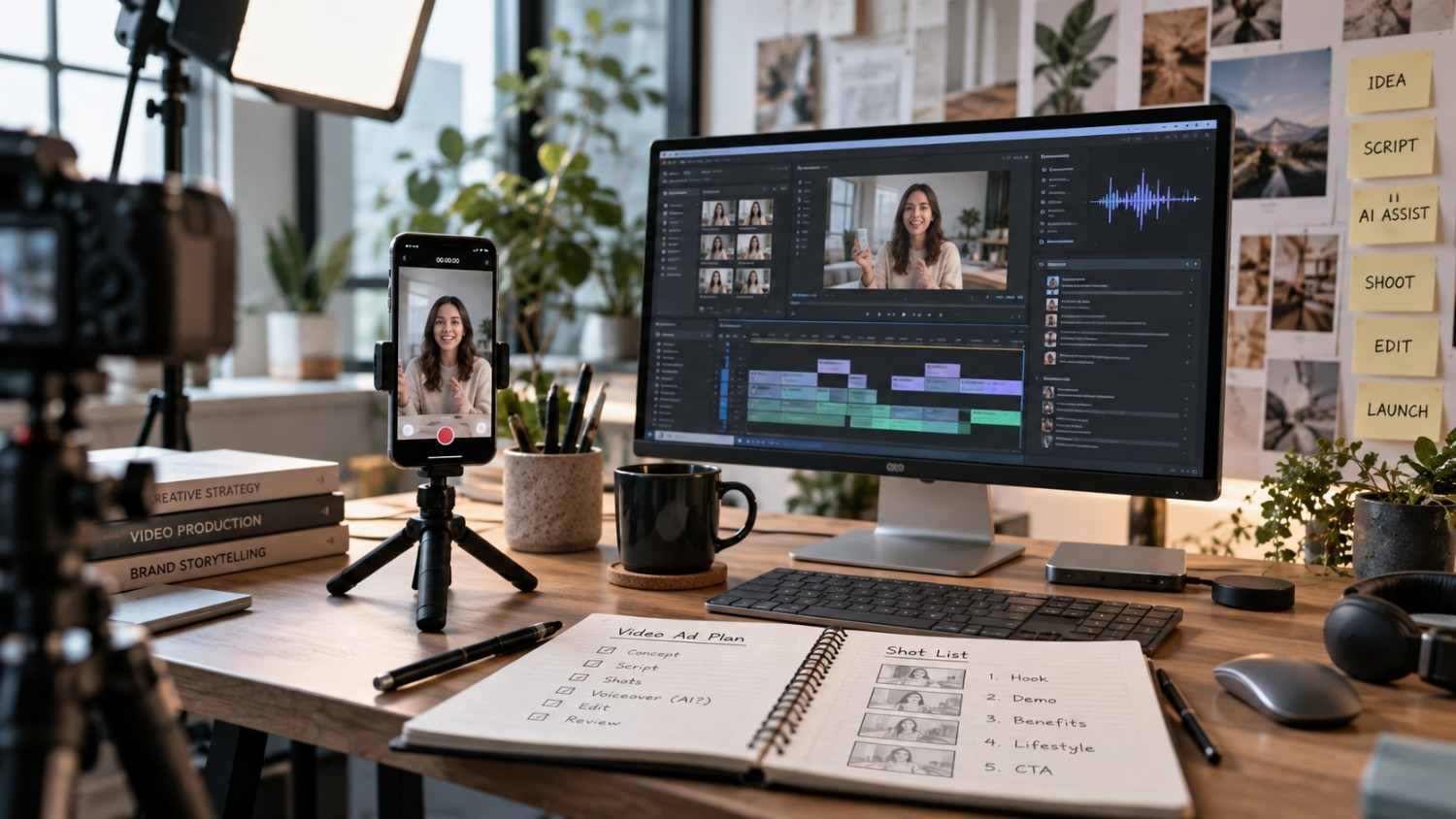
AI-assisted UGC-style video can look polished very quickly. Making it feel natural is harder.
A believable creator-style ad depends on more than an avatar, a voice and a product shot. Viewers notice rhythm, wording, expression, visual continuity and small editing choices. When every element feels overly controlled, the result can look synthetic even when the underlying tools are technically impressive.
The goal is not to disguise AI output as genuine customer-recorded UGC. It is to create transparent AI-assisted advertising that uses the direct, conversational qualities people associate with creator content without pretending that an AI actor is a real customer.
Start With Language a Person Would Actually Say
Naturalness begins with the script.
A common mistake is writing advertising copy first and expecting the avatar or voice to make it conversational later. If the sentence already sounds like a landing page headline, a realistic voice model will still sound like it is reading an advertisement.
Creator-style scripts usually work better when sentences are shorter and ideas arrive in a natural sequence. Contractions, simple transitions and occasional sentence fragments can help when they fit the speaker.
Compare the difference between a polished claim such as:
“This innovative solution provides an exceptional experience designed to meet your unique needs.”
and a more direct structure:
“I tried this because I wanted something simpler. The first thing I noticed was how easy it was to use.”
The second version is not automatically better advertising, but it gives the performance more room to sound conversational.
Read every script aloud before production. If a sentence is awkward for a person to say, it will usually sound even more awkward when generated.
Avoid Making Every Line Sound Perfect
Real speech has variation.
People change pace, emphasize unexpected words and pause while moving between ideas. Synthetic creative often becomes obvious when every sentence has the same length, energy and cadence.
Do not add random mistakes just to simulate a person. Instead, vary the structure intentionally.
A strong sequence might move from a short hook to a more explanatory sentence, then pause before the key product point. Some lines may need more energy, while others should sound quieter and more matter-of-fact.
The objective is controlled variation rather than manufactured imperfection.
Choose the Avatar or Spokesperson for the Creative
The most realistic avatar is not automatically the best choice.
The person on screen needs to fit the script, visual environment, product context and intended audience. A mismatch can make otherwise good production feel artificial.
Evaluate:
- apparent age and presentation
- speaking style
- expression range
- framing options
- body movement
- wardrobe
- background compatibility
- whether the subject looks believable with the product or scenario
Test short samples before producing a complete video. A ten-second performance can reveal unnatural eye movement, limited expressions or unsuitable pacing before significant editing work begins.
Treat Pacing and Pauses as Production Decisions
Generated speech can become too continuous.
Natural creator videos usually contain small changes in pace. A hook may be quick. A demonstration may slow down. An important line may need a brief pause before or after it.
Break longer scripts into performance units instead of generating everything as one uninterrupted block where the workflow allows it.
This also makes revision easier. If one line has a pronunciation or timing problem, you can correct that segment instead of recreating the entire delivery.
Pauses should support meaning. Too many artificial pauses become distracting, while no pauses at all can make the video feel machine-read.
Work Within Expression and Body-Language Limits
AI presenters still have limitations.
A script may ask for a reaction the selected avatar cannot perform convincingly. Strong emotional shifts, detailed hand interaction or highly specific product demonstrations may expose those limits quickly.
Do not build the concept around gestures the production method cannot reliably produce.
Instead, use editing to distribute the communication load. The spokesperson can deliver the main message while product shots, screen recordings, lifestyle imagery or B-roll handle actions that need more visual specificity.
This approach often feels more natural because the viewer is not forced to study one generated face for the entire video.
Use Shot Variation and B-Roll With a Purpose
A creator ad does not need a cut every second, but a single uninterrupted talking-head shot can make synthetic characteristics more noticeable.
Useful variation can include:
- close and medium framing
- product detail shots
- interface demonstrations
- packaging or texture shots
- contextual lifestyle footage
- simple text-led transitions
- screen recordings where relevant
Every additional shot should help explain the message.
Random B-roll added only to make the edit feel busy can reduce clarity. The strongest supporting visuals usually connect directly to what the speaker is saying.
Voice Choice Matters as Much as the Face
A visually convincing presenter can still feel artificial if the voice is wrong.
Evaluate tone, age fit, energy, accent, clarity and conversational range. A voice designed for narration may sound too formal for a creator-style ad.
Pronunciation also needs manual review.
Brand names, ingredient names, technical terms, locations and uncommon words can all create problems. Test difficult phrases separately. Use pronunciation controls or phonetic guidance where the selected voice system supports them.
Do not assume that a correctly spelled word will automatically be spoken correctly.
Ground the Creative in the Actual Product and Context
Generic scripts produce generic-looking videos.
Natural creative becomes more convincing when the speaker appears connected to the real product context. That may mean showing the actual packaging, website, application screen, product category or use situation.
The objective is not to claim the AI presenter personally used the product.
Instead, make the creative visually specific enough that it feels produced for this particular offer rather than generated from a reusable template.
Product grounding also helps the editor decide what B-roll is necessary and where the viewer needs more evidence than a talking head can provide.
Let Editing Remove the Synthetic Edges
Editing is where separate generated assets become one coherent creative.
Small timing changes can improve a video significantly. Tighten long pauses, but do not remove every breath of space. Cut away when an expression becomes visually repetitive. Match B-roll timing to the exact line being discussed.
Sound should also feel intentional.
Background music should support the speaking voice instead of competing with it. Transitions rarely need dramatic sound effects. Clean dialogue, sensible levels and controlled pacing usually contribute more to perceived quality than elaborate effects.
Use Captions as Part of the Communication
Short-form videos are frequently watched in environments where sound is low or unavailable.
Captions should therefore help the viewer follow the message without turning the screen into a wall of text.
Keep them readable, synchronized and concise. Break long spoken sentences into sensible caption units. Maintain enough contrast against changing footage and avoid covering important product details.
Captions can also help hide minor visual transitions when they are designed consistently with the edit.
Produce Variations Instead of Searching for One Perfect Version
AI-assisted production makes controlled variation practical.
That does not mean generating dozens of random videos. It means testing meaningful differences.
Useful variations may include:
- a different opening hook
- a shorter first section
- another spokesperson
- a different voice treatment
- alternative B-roll
- a stronger product demonstration
- a shorter overall cut
Variations help separate creative decisions from production errors. If one version feels unnatural, you can identify whether the problem is the script, presentation, voice or edit.
Always Finish With Human Review
Generated output should not be treated as final simply because it rendered successfully.
Watch the complete video several times. Then review it again with specific questions.
Does any sentence sound written rather than spoken? Is a word pronounced incorrectly? Does the presenter hold the same expression for too long? Does B-roll match the spoken claim? Are captions accurate? Is anything in the creative implying that the AI presenter is a genuine customer?
Final human review is where these details are caught.
The most natural AI UGC-style ads are usually not the ones using the most technology. They are the ones where the script, presentation, voice, visuals and edit support the same simple message without calling attention to the production method.
Relevant work
Related Work Preview
Development-preview work is shown for context only and is not presented as proof of this article’s claims.
 Preview