
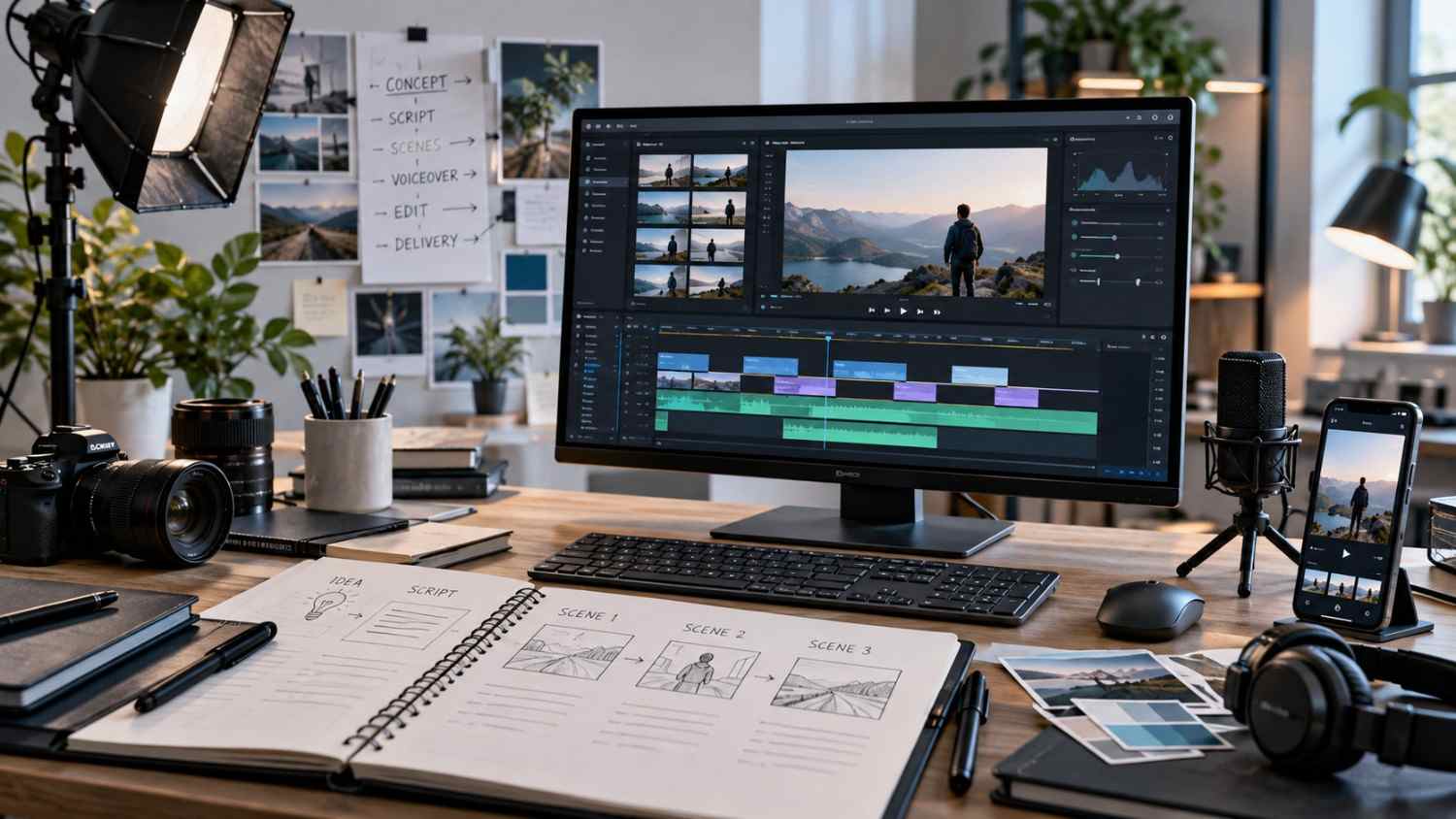
AI video production becomes easier to manage when it is treated as a complete production workflow rather than a sequence of disconnected generation tasks.
The tools may change, but the core decisions remain familiar: understand the brief, identify the message, write the script, plan the scenes, create the assets, edit the material and review the finished video.
Skipping those decisions usually creates more work later. A visually impressive scene cannot repair an unclear message, and a strong voiceover cannot rescue a script that does not know what the viewer should understand.
A practical workflow puts those decisions in the right order.
Define the Objective Before Choosing Tools
Start with the purpose of the video.
Is it introducing a product, explaining a service, demonstrating a feature, supporting a paid advertisement or helping someone understand an offer?
The objective determines what the production needs to communicate.
Before generating anything, establish:
- the intended audience
- the offer or subject
- the primary message
- the desired viewer action
- the target platform
- approximate duration
- available product and brand assets
Do this before deciding which avatar, image model, video generator or editing approach to use.
Tool-first production often creates attractive assets that do not solve the communication problem.
Understand the Audience and Offer
A useful brief contains more than the product name.
Identify what the audience already knows and what still needs explanation.
A video for someone discovering a service for the first time needs a different structure from one designed for an audience already comparing options.
Separate essential information from secondary details.
The final video rarely needs every available feature. It needs enough information to make one coherent message clear.
Extract One Core Message
Short marketing videos become weaker when several ideas compete for equal attention.
Choose the main point first.
It might be:
- a product use case
- a service explanation
- a specific problem the offer addresses
- an introduction to how something works
- a reason to explore the offer further
Supporting information should reinforce that message.
If every sentence introduces a new direction, scene planning becomes fragmented and the final edit starts to feel like a list.
Write the Script for Video
A video script should not simply copy webpage content.
Start with an opening that gives the viewer enough reason to continue. Establish context, explain the important information and finish with an appropriate next step.
Keep spoken language clear.
Long sentences are harder to perform and harder to support visually. Breaking them into shorter units improves voice generation, avatar delivery and editing flexibility.
Read the script aloud before production.
This catches awkward phrasing before it becomes a generated asset that needs to be replaced.
Plan Scenes Before Generating Assets
A simple scene plan can prevent unnecessary generation.
For every script section, decide what the viewer should see.
A scene might use:
- spokesperson footage
- product footage
- interface footage
- screen recording
- generated B-roll
- product imagery
- text-led graphic support
- still imagery with motion
The goal is not to create a unique visual for every sentence.
The goal is to give each important idea enough visual support.
A scene plan also reveals continuity problems before time is spent producing finished assets.
Choose the Production Method Scene by Scene
There is no single AI production method that is best for every shot.
Some scenes benefit from an avatar. Others work better with product imagery, generated environmental footage, motion graphics or a conventional screen recording.
Ask practical questions.
Does this shot require a person speaking to camera? Does the product need precise visual accuracy? Does an interface need to be shown exactly? Does continuity matter between scenes? Would a real supplied asset communicate the idea more accurately?
Using AI selectively can produce a more coherent video than forcing every scene through one generation method.
Plan the Voice Before Locking Visual Timing
Voiceover determines the duration of many scenes.
Choose and test the voice early enough that the edit can be built around realistic speech timing.
Evaluate:
- tone
- clarity
- accent
- energy
- pace
- pronunciation
- fit with the subject
Test uncommon words, product names and technical terms separately.
If an avatar is involved, voice timing may also affect lip synchronization and visual performance.
Pronunciation problems should be found before the edit is nearly finished.
Use Avatars When They Serve the Message
A spokesperson can make an explanation easier to follow, but that does not mean every scene should contain one.
Direct-to-camera presentation works well for hooks, transitions, explanations and calls to action.
Long uninterrupted presenter sequences can become visually repetitive.
Mixing the speaker with product footage, contextual B-roll or interface visuals often produces a better rhythm.
When selecting an avatar, consider expression range, framing, wardrobe, voice compatibility and whether the person fits the creative context.
An AI presenter should not be represented as a genuine customer unless that is factually true.
Generate Assets With Continuity in Mind
Individual clips may look strong on their own but feel disconnected when edited together.
Continuity includes:
- lighting
- color temperature
- product appearance
- environment
- camera angle
- clothing
- subject appearance
- overall visual style
Where the generation system supports references or reusable settings, keep successful inputs organized.
If perfect continuity is difficult, structure the edit so visual changes feel intentional.
Clearly separated sections can tolerate more visual variation than scenes intended to appear as one continuous event.
Edit for Meaning, Not Just Speed
Editing turns the generated material into a communication piece.
Start by pairing the strongest visual with each important part of the script.
Then refine timing.
Remove unnecessary dead space, but do not make every cut equally fast. Use B-roll where it clarifies a point or hides an awkward transition.
Simple cuts are often enough.
Elaborate transitions can make the video feel less controlled when they do not serve the message.
Add Captions and Sound Carefully
Captions improve accessibility and help viewers who watch without sound.
Check them against the final voiceover rather than an earlier version of the script.
Break long sentences into readable units and maintain sufficient contrast against the footage.
Dialogue should remain the audio priority.
Background music should support it, not compete with it. Sound effects can help specific actions or transitions, but they should have a clear purpose.
Review the Video in Stages
A structured review process is easier than trying to evaluate everything at once.
First check factual and messaging accuracy.
Then review:
- visual continuity
- voice quality
- timing
- captions
- audio
- product accuracy
- transitions
Resolve factual or script problems before spending time polishing minor visual details.
Uncontrolled regeneration can introduce new inconsistencies, so revisions should remain deliberate.
Prepare the Required Delivery Formats
Confirm where the approved video will be used before final export.
A project may require different:
- aspect ratios
- resolutions
- durations
- caption treatments
- clean versions
- texted versions
Create those variants from the approved master edit rather than rebuilding the entire creative independently.
That helps keep the message and visual choices consistent.
Finish With a Complete QA Pass
The final step is not simply exporting the file.
Watch the full video again.
Check:
- script accuracy
- visual continuity
- pronunciation
- lip synchronization where relevant
- caption accuracy
- audio levels
- spelling
- product representation
- CTA accuracy
- crop and frame edges
- final export specifications
Also verify that no generated element implies a result, endorsement or customer experience that the creative cannot support.
A reliable AI video workflow is less about finding one perfect tool and more about making good decisions in sequence. When the brief, script, scenes, voice, assets, edit and QA are treated as connected stages, the production becomes easier to control and easier to revise.